The appInstall the TYPETRANCE app
TYPETRANCE installs straight from your browser on computers and phones: it opens in its own window, works offline for practice, and keeps every format one tap away.
Get the app
Install appInstalled: open it from your appsHow to install
Free, and no account needed.

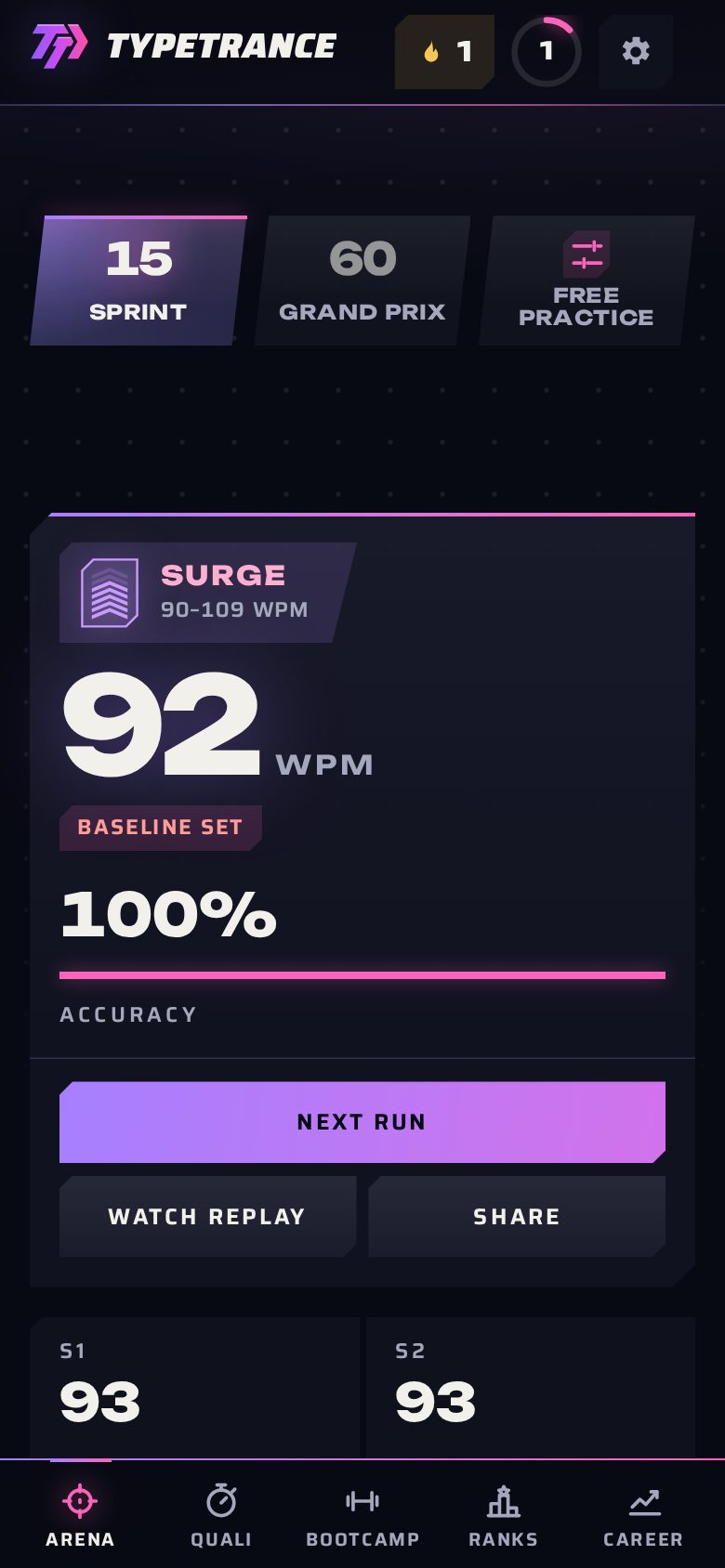
What you get
Its own window
TYPETRANCE opens like any program: from your dock, taskbar, Start menu or home screen, without browser tabs and toolbars around the text.
Practice offline
The typing test, the drills and your history work without a connection once the app has loaded; ranked play and leaderboards need one.
One tap to a format
On Android and on computers, press and hold the icon (or right-click it) for Sprint, Grand Prix, Qualifying, Bootcamp, TIME ATTACK or your Career.
Always up to date
Each new version arrives on its own and is offered between runs, never during one. No app store, no download page.
How to install
Chrome or Edge on a computer
- Open typetrance.com.
- Press Install app at the top of this page, or the install icon at the right end of the address bar.
- Confirm with Install. TYPETRANCE opens in its own window and stays in your apps.
Android
- Open typetrance.com in Chrome or Samsung Internet.
- Press Install app on this page, or open the browser menu and choose Install app.
- TYPETRANCE appears on your home screen and in your apps.
iPhone and iPad
- Open typetrance.com in Safari.
- Tap the Share button, then Add to Home Screen.
- Tap Add. TYPETRANCE opens from your home screen, full screen.
Safari on a Mac
- Open typetrance.com in Safari (macOS Sonoma or later).
- Choose File, then Add to Dock.
- TYPETRANCE opens from your Dock in its own window.
Questions
- Is the app free?
- Yes. It is the same TYPETRANCE as the website, with the same free practice; nothing extra is collected because it is installed.
- My browser shows no way to install. Why?
- Not every browser installs web apps; Firefox on a computer is one that does not. Use Chrome, Edge or Safari on your computer, or install from your phone.
- How do I remove it?
- Like any app: from its window menu on a computer (Uninstall TYPETRANCE), or by holding its icon on a phone and choosing Remove or Uninstall.